
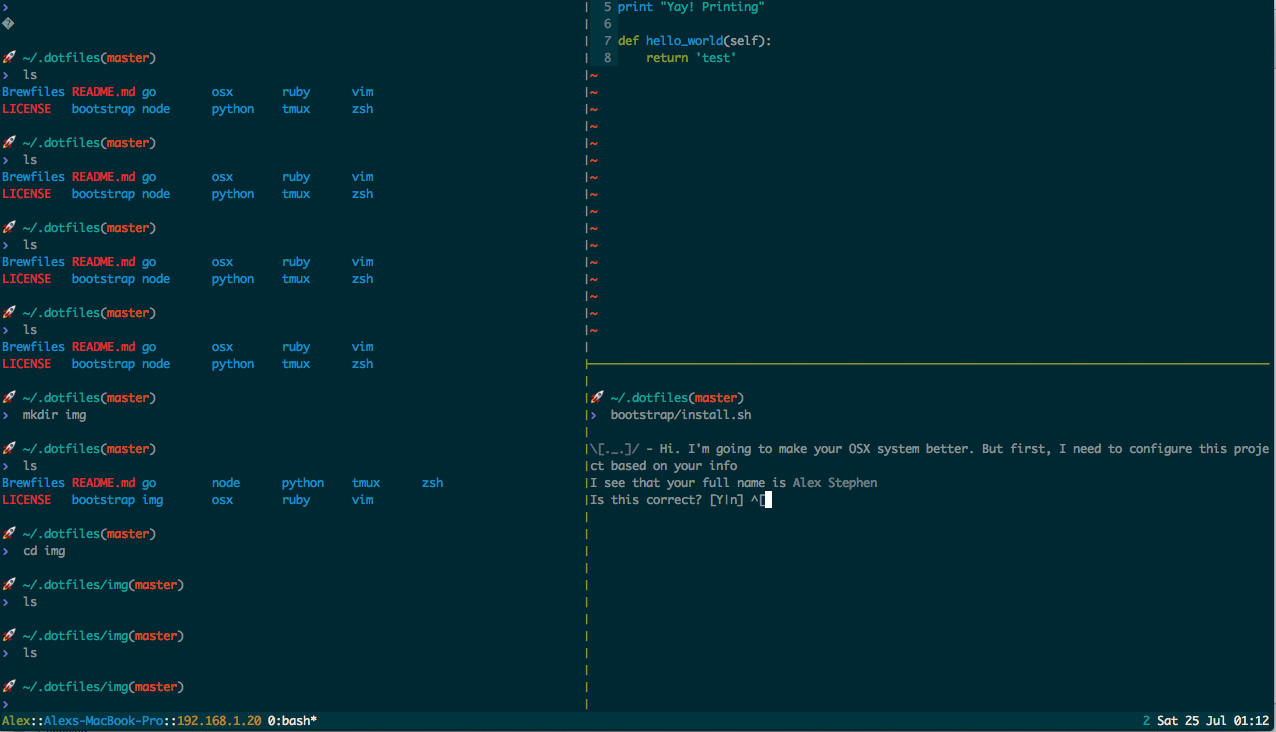
These are the dotfiles that I use on my personal machine. The goal of this repo is to create a completely automated process to setup a new machine with my settings and applications.
Run ./install on a new machine. It installs Task if
needed, then runs task install, which installs packages (Homebrew on macOS,
apt on Linux), applies macOS defaults, symlinks the dotfiles, and installs mise
tools, arbor, skills, try, and tmux plugins.
Run task -l to see the individual tasks.
Machine-specific settings go in local/.localrc, which is not committed. See
config_template for an example.
Skills for coding agents live in skills/, one directory per skill:
skills/<name>/SKILL.md
They are installed with the skills CLI
by task skills:install, which is part of task install. To add a new one:
cd skills && npx -y skills@latest init <name>   # scaffold
$EDITOR <name>/SKILL.md                         # write it
task skills:install                             # install for Claude Code
The install task picks up whatever skills/ contains, so adding a skill needs
no change to the Taskfile. Skills are copied into ~/.claude/skills, so re-run
task skills:install after editing one. task skills:list shows what is
currently installed.