Repository navigation
OpenALPR Web Server Configuration
- On the
WebHooks Configurationpage, enter the IP address and port to reach the service. The address is simplyhttp://address:dockerport/webhook 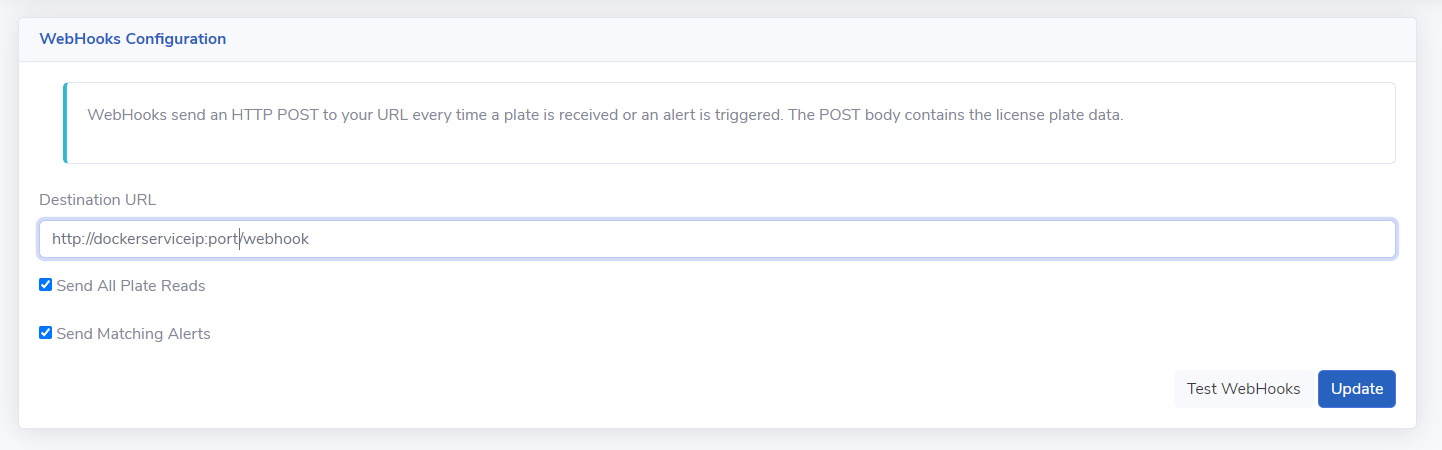
Once the service is running clicking Test Webhooks should result in a 200 test successful message if it can contact the service correctly.
- The service uses the OpenALPR Camera ID to identify each camera in the webhooks sent from the server. The unique ID for each camera is found under the Agents screen of the web server
-
 Copy these into the
 appsettings.jsonfor each camera, making sure the IP address matches the ID (106232742 in this example).