
A Deep Convolutional Neural Network to play Google Chrome's offline Dino Run game by learning action patterns from visual input using a model-less Reinforcement Learning Algorithm
Accompanying code for Paperspace tutorial "Build an AI to play Dino Run"
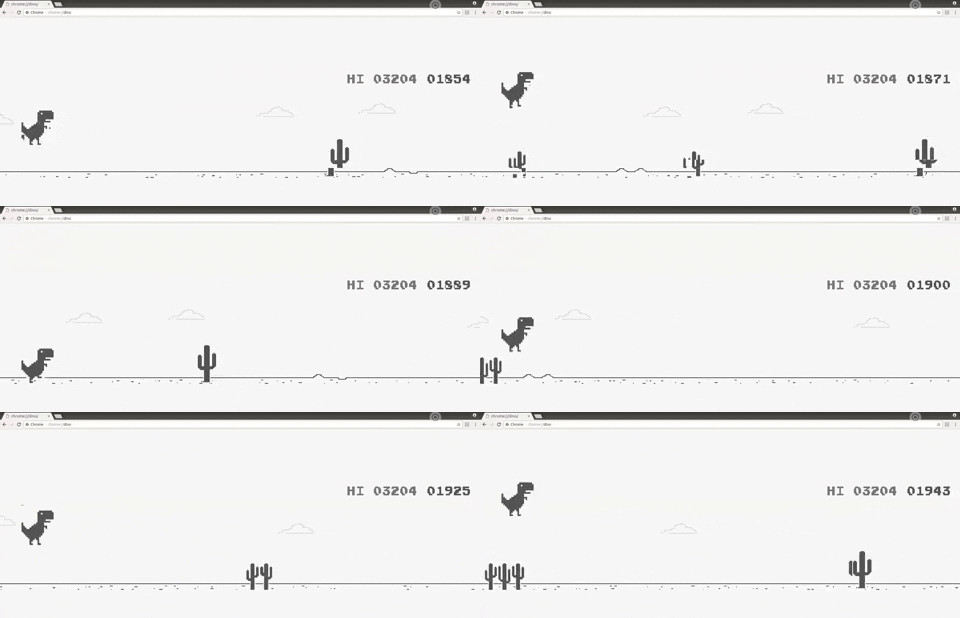
Start by cloning the repository
$ git clone https://github.com/Paperspace/DinoRunTutorial.git
You need to initialize the file system to save progress and resume from last step.
Invoke init_cache() for the first time to do this
Dependencies can be installed using pip install or conda install for Anaconda environment
- Python 3.6 Environment with ML libraries installed (numpy,pandas,keras,tensorflow etc)
- Selenium
- OpenCV
- ChromeDriver
ChromeDriver can be installed by going to (link - https://chromedriver.chromium.org/downloads) and also download the driver according to your chrome version which can be found under settings->About Chrome.
Change the path of chrome driver accordingly in Reinforcement Learning Dino Run.ipynb.(Default ="../chromedriver")