Repository navigation
Home
Tumbly is a low-cost, battery-powered time-restricted feeding device for home-cage use. A servo rotates the food hopper open or closed on a schedule, and every event is logged to an SD card. It is based on the Tumble Feeder.
Watch the full build start to finish, then use the steps below as a reference while you work.
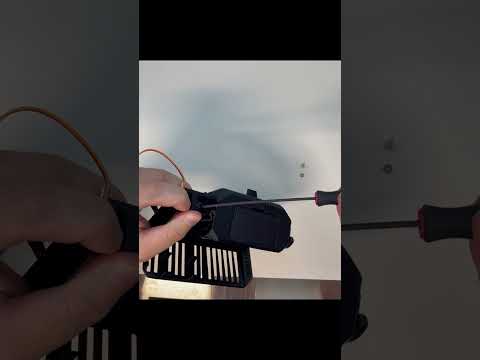
Follow these in order. The sidebar has the same links on every page.
| Step | What you'll do |
|---|---|
| 1. Gather parts | Order the components, PCB, and battery |
| 2. 3D print the parts | Print the base, hopper, and door |
| 3. Assemble the electronics | Populate the custom PCB and stack the Feather boards |
| 4. Flash the code | Install the Tumbly Arduino library and upload the sketch |
| 5. Assemble Tumbly | Mount the electronics and servo in the printed parts |
| 6. Set up and use Tumbly | Calibrate the door, set the schedule, and read your data |
- Adafruit Feather M0 Adalogger (microcontroller + SD card)
- Adafruit DS3231 RTC FeatherWing (real-time clock)
- Adafruit 128x64 OLED FeatherWing (SH1107)
- Custom Tumbly PCB
- Feedback servo
- LiPo battery (a 2200 mAh battery runs ~50–100 days; see Power consumption)
Next → Step 1: Gather parts