Repository navigation
Editor: camera cuts, audio silencing, 50x speed, native preview audio & reliable export - #3
Conversation


Co-Authored-By: Claude Opus 5.5 (1M context) <noreply@anthropic.com>
…ion commands

Co-Authored-By: Claude Opus 5.5 (1M context) <noreply@anthropic.com>
…native export frames, captions

Co-Authored-By: Claude Opus 5.5 (1M context) <noreply@anthropic.com>

 pranavms13
left a comment
pranavms13
left a comment
pranavms13
left a comment
There was a problem hiding this comment.
Played around with this, really nice set of features. Left a few comments, mostly around the split/selection stuff and one in capture.rs.
| if (r) selectClip(r.rightId); | ||
| return; | ||
| } | ||
| setZoomSegments(splitSegmentsAt(zoomSegments, tMs)); |
There was a problem hiding this comment.
I don't think the global split should touch zoom/effect segments. Both of them ease back to neutral at their edges (zoom does the release + lead-in, effects have the 220ms crossfade), so cutting one in half at the playhead gives you a little zoom out/in bump and a fade dip right at the cut. Pretty easy to see if there's an auto-zoom over the split point, and it ends up in the export too.
Since segments live in source time anyway, the clip split doesn't need them split at all. I'd just drop these two lines and only split a segment when it's the thing that's selected.
There was a problem hiding this comment.
Fixed in 3ea6bad: global splits now leave zoom/effect segments intact. Explicit selected-segment splits remain available.
| const t = await native.transcribeAudio(src.paths, language || null); | ||
| const words = wordsFromTranscript(t); | ||
| if (words.length === 0) setError("No speech was detected in this audio."); | ||
| setCaptions({ words, language: t.language, enabled: true }); |
There was a problem hiding this comment.
This setCaptions is the one from the render where you hit Generate, and it spreads state.captions from back then. Transcription can take a few minutes, so if you switch the preset or drag the subtitles somewhere else while it's running, all of that gets reverted when it finishes. Same if you open a different recording mid-way, the transcript lands on that one.
Probably want a functional update here (setState(s => ...)) plus a check that we're still on the same artifact.
There was a problem hiding this comment.
Fixed in 3ea6bad: caption patches use a functional state update, preserving the current style/box. A recording/project generation guard rejects stale transcription results, including after reopening the same artifact.
| if (!cameraRow || e.button !== 0) return; | ||
| e.preventDefault(); | ||
| e.stopPropagation(); | ||
| cameraRow.onSelectCut(id); |
There was a problem hiding this comment.
Selecting a camera cut doesn't clear audioPieceSel or selectedEffectId (selectCamera only clears zoom / audio key / clip). So if you click an audio piece and then a camera cut, both stay selected:
- ⌫ deletes the cut and silences the audio piece
- S splits the audio piece instead of the cut that's highlighted
Same thing with an effect selected first, ⌫ deletes both. Should clear the other selections here like selectClip does.
There was a problem hiding this comment.
Fixed in 3ea6bad: camera-cut selection clears audioPieceSel and selectedEffectId. I also made zoom/effect selection clear competing block selections.
| // range lands in the edited sequence and map chip edits back to source. | ||
| const srcMsFromOut = (c: PlacedClip, outMs: number) => | ||
| Math.max(0, Math.min(srcDuration * 1000, (c.srcStart + (outMs / 1000 - c.outStart) * c.speed) * 1000)); | ||
| const mapChipPatch = <P extends { startMs?: number; endMs?: number }>(c: PlacedClip, patch: P): P => ({ |
There was a problem hiding this comment.
When a zoom/effect segment spans a clip boundary it's drawn as one chip per clip, but this maps the whole patch through just that chip's clip.
Repro: zoom over 2-8s, cut at 5s, drag the right chip 1s to the right. The segment becomes 6-9s and the 2-5s part is just gone. Dragging that chip's left edge (which is really just the clip boundary, not the segment start) also moves the actual segment start.
It doesn't clamp to the clip either, so you can drag into source time that's been cut out and the segment vanishes from the timeline.
There was a problem hiding this comment.
Fixed in 3ea6bad: dragging uses a source-time delta against the entire original segment and preserves its full duration. The grabbed portion is clamped to its clip; handles at artificial clip boundaries are hidden. The drag mapping is frozen at mouse-down, and the grab offset is stored separately from segment start. Added five regression tests for boundary-spanning movement, hidden edges, clipping and speed/offset mapping.
| std::thread::sleep(Duration::from_millis(400)); | ||
| // SCRecordingOutput writes the file asynchronously after stop; wait for its finish callback. | ||
| let deadline = std::time::Instant::now() + Duration::from_secs(15); | ||
| while !seg.finished.load(Ordering::SeqCst) && std::time::Instant::now() < deadline { |
There was a problem hiding this comment.
This used to be a 400ms sleep and now it can wait up to 15s. Fine for stop/pause since those are async commands, but cancel_capture and restart_capture are still plain sync commands, so they run on the main thread and hit this through discard_recording. If stop_capture errors or the finish callback never shows up, the whole app hangs for 15s when you hit Cancel.
For discard we delete the file right after anyway, so there's nothing to wait for. Maybe skip the wait on that path, or make those two commands async as well?
There was a problem hiding this comment.
Fixed in 3ea6bad: cancel/restart are async commands and discard cleanup runs through spawn_blocking. This keeps finalization before deletion, while the UI thread stays responsive during the callback wait. Restart also releases the recording-state mutex before waiting.

|
@pranavms13 Thanks for trying this out and for the detailed review. I've addressed all five points in 3ea6bad:
Validation: TypeScript, frontend build, cargo check, and five segment-mapping regression tests pass. The Tauri dev app builds and launches. Full UI click-through remains unverified for this follow-up because macOS denied Accessibility access to the automation tool. This will be my last addition to this PR for now. If you see any further optimizations or improvements, please feel free to add them directly to this PR. Thanks! |

|
There seem to be 2 conflicts due to changes in #2. I will resolve and merge this. |

Resolve conflicts with the Glyph-Software#2 follow-up fixes on main:
- capture.rs: take main's cancel/restart handling (#[tauri::command(async)]
  plus skipping the finish wait when stop_capture fails), which covers this
  branch's spawn_blocking version.
- Editor: keep this branch's segment chip mapping (segmentChip.ts, grabOffset,
  boundary-locked resize handles) over main's mapSegmentPiecePatch/lengthMs.


Summary
This PR follows up on clip editing. I used the editor on real recordings (an external 24-bit wireless mic, 5–7 GB camera files, 50× timelapses) and fixed what broke. It also adds the track-level editing tools that were missing.
New editing features
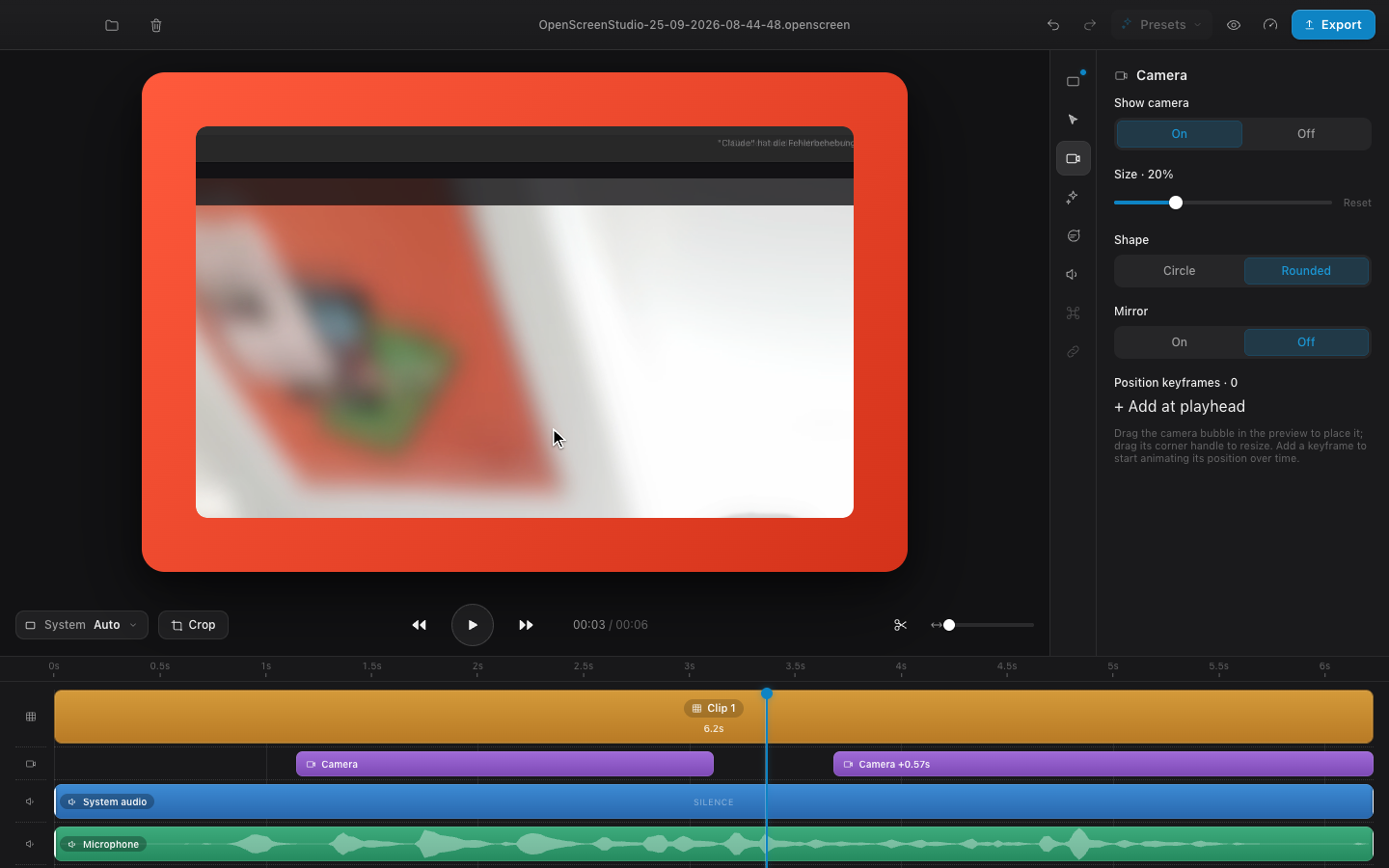
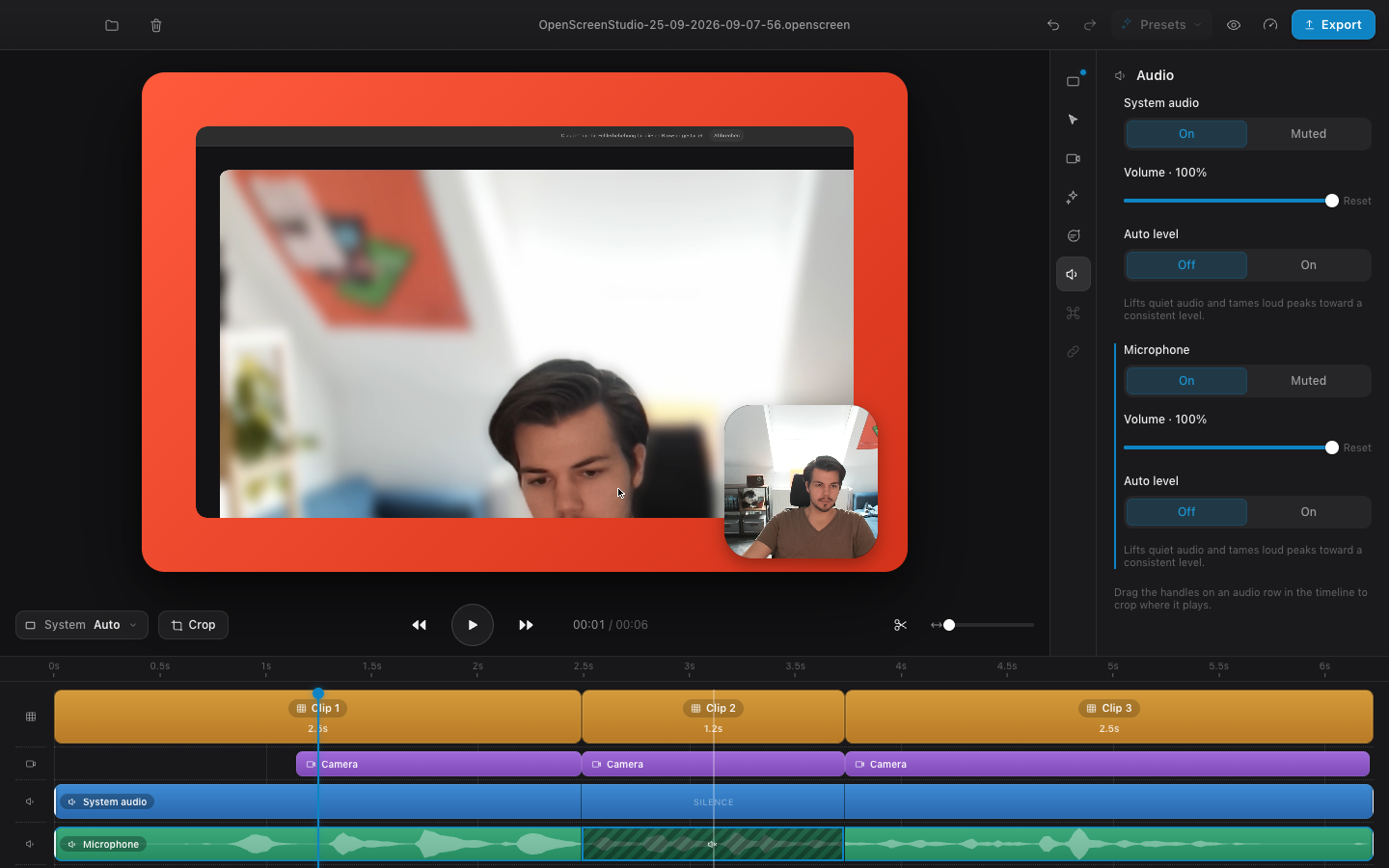
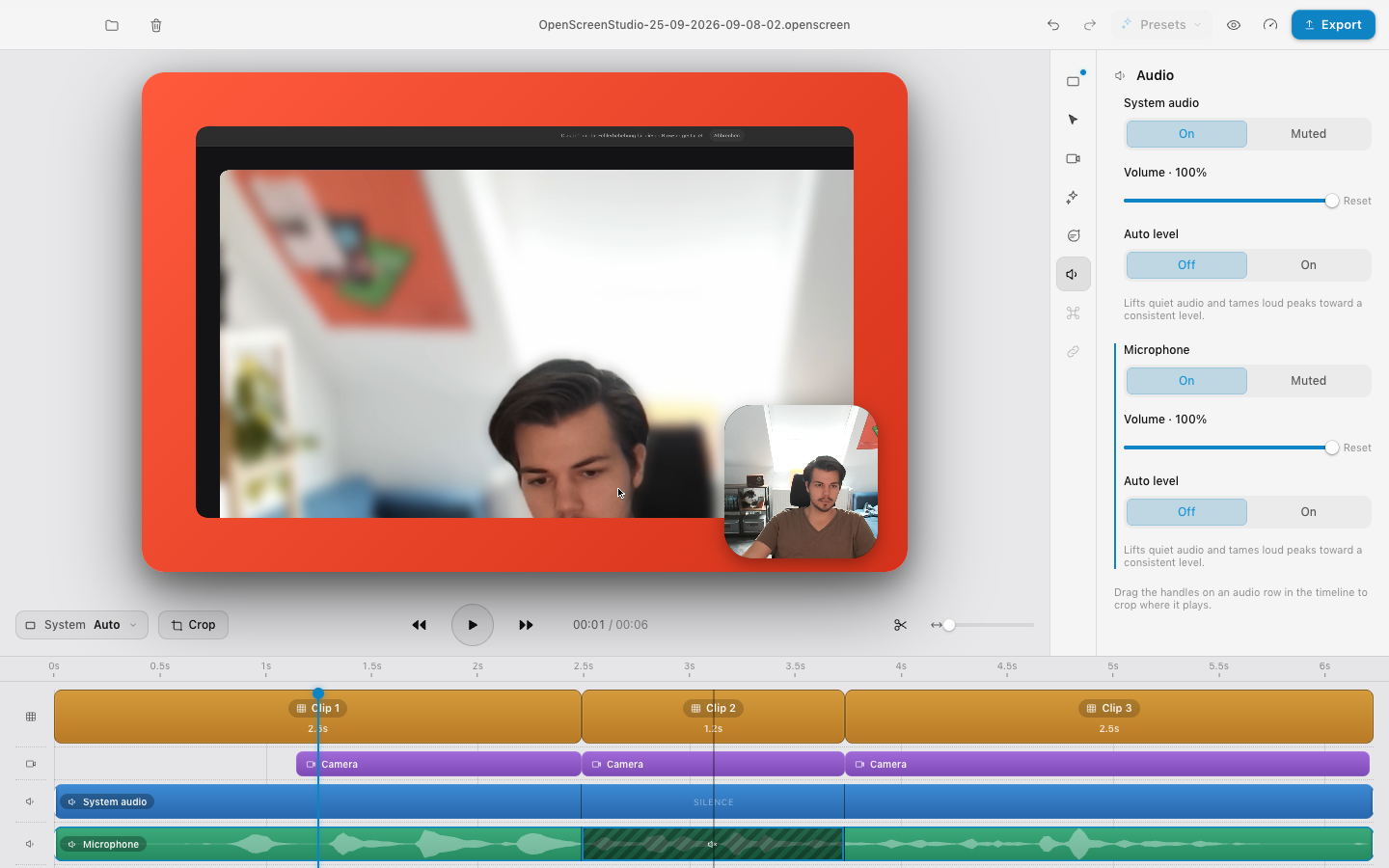
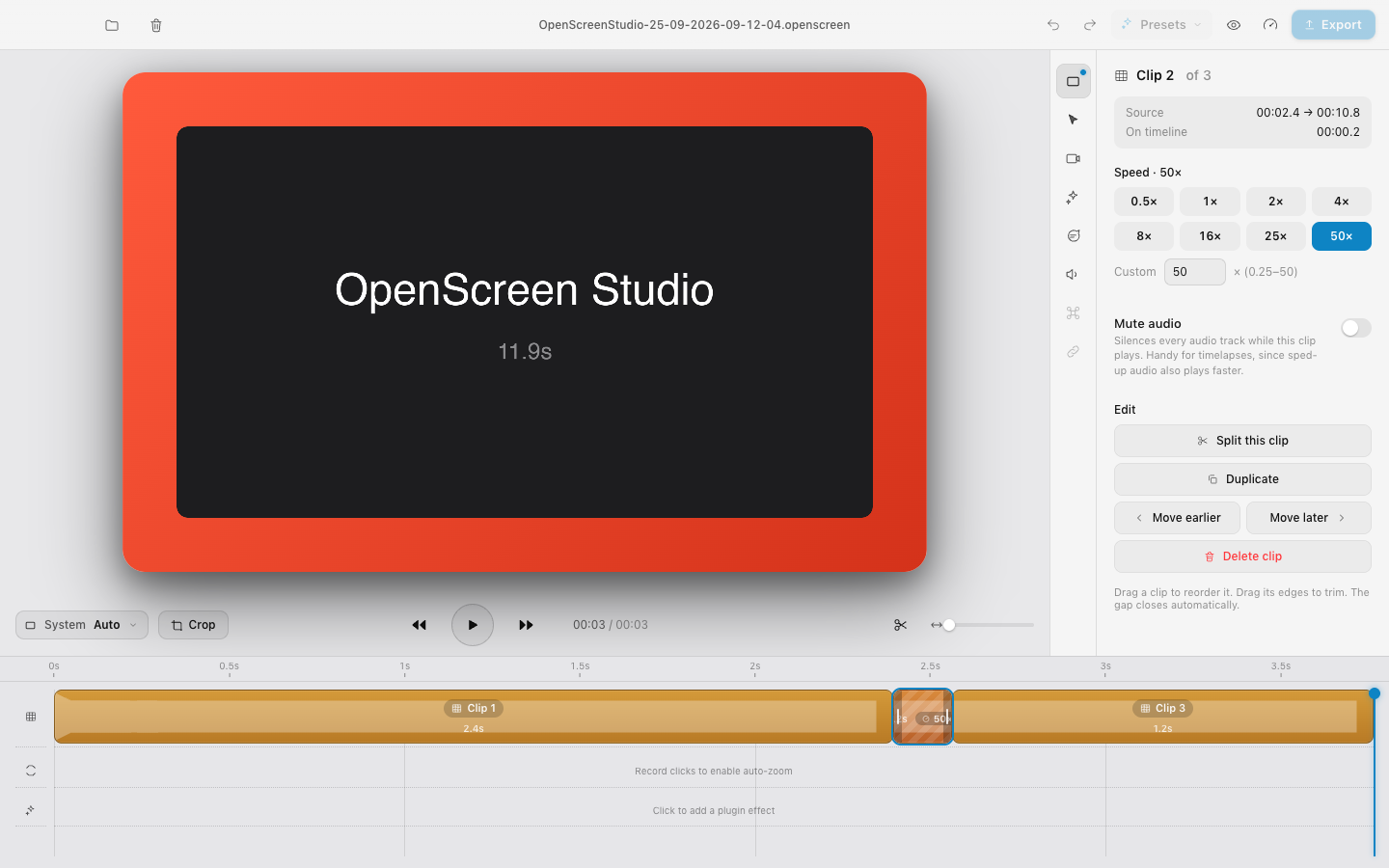
Swith nothing selected and every track (clips, camera, audio) is cut at the playhead. Select a block first and only that block is cut.⌥←/→, so a camera that drifts out of sync can be slid back into place. A gap between camera cuts hides the camera in both preview and export.⌫toggles silence on the selected piece, and export only includes the audible ranges.playbackRatecap, the preview seek-steps instead of playing.Fixes
audio_tap.rsdecodes by the real format: float/int, 16/24/32-bit, BE/LEpreview_audio.rs: native cpal/CoreAudio playback of the sidecar WAVs (mmap), synced viapreview_audio_set(playing, t, rate)Range: bytes=0-0), stream large files<video>decoders under memory pressurevideo_frames.rs: a forward-streaming ffmpeg decoder per session (VideoToolbox, BT.709 to match the preview) sends RGBA frames over IPC viaexport_video_frameWhy
Recordings from real hardware (pro mics, long sessions, big camera files) used to fail in ways the user couldn't work around: silence, crashes, frozen exports. With these fixes the edit → export loop is reliable. Per-track cuts cover the everyday needs that were missing: fixing a desynced camera, removing a cough, speeding up a boring part.
Screenshots
Camera cut + shift
Audio split + silenced piece (dark / light)
50× speed
Testing
bunx tsc --noEmitandcargo checkare clean.bun run tauri build) on Apple Silicon:AGENTS.mdis updated with the new modules, commands and pitfalls: native audio, native export frames, source vs output time.🤖 Generated with Claude Code
Review follow-up
Validation for this follow-up:
bunx tsc --noEmit,bun run build,cargo check, andbun test tests/segmentChip.test.ts(5 passing tests).bun run tauri devbuilt and launched successfully. Automated UI click-through was blocked by macOS denying Accessibility access to osascript; the complete recording/editor interaction flow was not re-tested for this follow-up.